Mock up générator
A screenshot, a visual ready to publish.
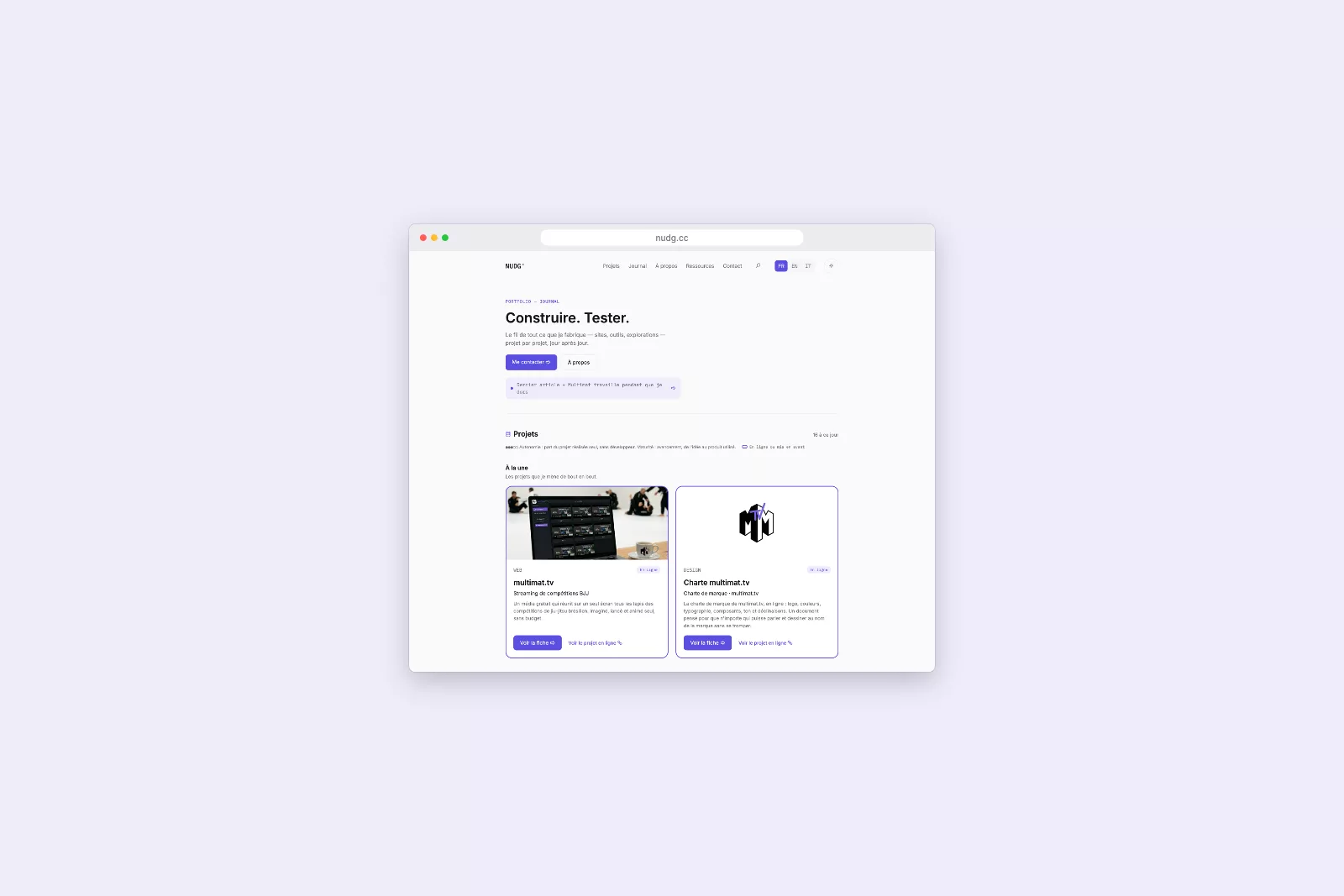
Drop a screenshot and place it in a computer, phone, browser window, or poster. You choose the background and the format, then you save the image, or a GIF that scrolls the page.
The problem
To illustrate an article or a folder, I almost always start from a screenshot. raw, it is rough; Putting it in a computer or phone situation asked to open layout software, or go through an online service that demands an account and retrieves the image. In short, it was too long.
What I did
I have defined the need and the choices: the nine media, the formats that correspond to my uses (article cover, square, story), the palette of funds granted to that of the site. The development was done with the AI, in stages: test of each version and request for corrections. I wanted everything to happen in the browser, without account and without sending the image to a server.
The result
A one-page tool, which I use for the visuals of this site. We deposit a capture, we choose the support and the background, and the image is ready in less than a minute. When the capture is an entire page, the tool also produces a GIF where it scrolls through the device, which shows a site better than a still image.
What I learned
The tools I keep are those that set a small repeated task, not the most ambitious. This one started from a single medium, the laptop; The others came when I needed it for a real visual. Starting from the use rather than a list of functions saved me from building things that I would not have used.
Autonomy: share of the project built on my own, without a developer. Maturity: progress, from idea to a product people use.
Journey
- Concept 10 Oct 2026
- Beta
- Live
An idea to test, a project to launch?
Let's talk: one message is enough.